What PrestaBoard does today.
Everything described here is available and has been tested on PrestaShop 1.6, 1.7, 8 and 9. What is still in the works is kept apart, at the bottom of the page, and stays there until it is ready.
A live home screen.
- “To do” block at the top: paid orders to prepare, orders late to ship, payments to check. Each line leads straight to the action.
- Today's figures (revenue, orders, average basket) compared with the same hour last week.
- Live feed: new orders and payments appear without reloading the page.
- Best sellers of the day and the week, latest orders, monthly goal.
Screenshots and animations of the real application, on a demo store with fictional data.
Orders.
- List with filters (status, dates, amount, country, carrier, payment) and search by reference, name or email.
- Saved views (“To prepare”, “Awaiting bank transfers”) shared with your team, and a board view by status.
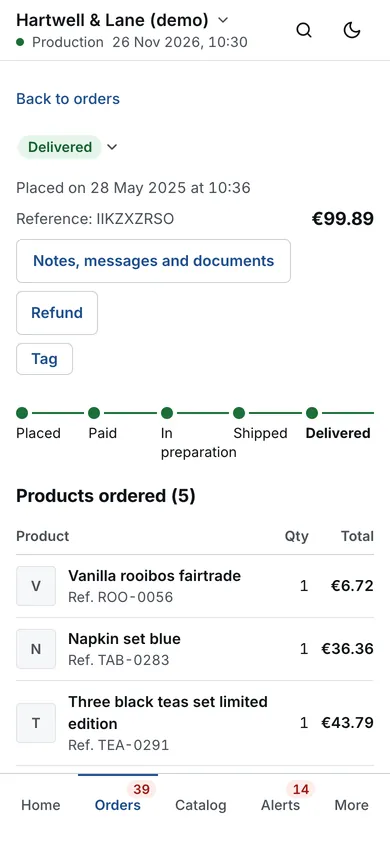
- Order page: lines with thumbnails, customer, addresses read live from your store, payments, shipping, history.
- Change the status (PrestaBoard warns you if an email goes out to the customer), enter a tracking number and mark the order “Shipped” in the same step, add a private note or message the customer.
- Invoices and delivery slips generated by your store; several invoices in a single PDF.
- Bulk actions on a selection, CSV export of the current view.
Catalog.
- Table or cards with thumbnails, search by name, reference or barcode, filters (category, brand, active, out of stock, no image).
- Edit in place the price incl. tax (the price excl. tax recalculates), the stock (count or receipt) and the active state. Right after, “Undo” restores the previous value.
- Quick preview of a product without leaving the list.
Price incl. tax edited in place
Out-of-stock products in one click
Bulk editing
Undo restores the old price
Customers.
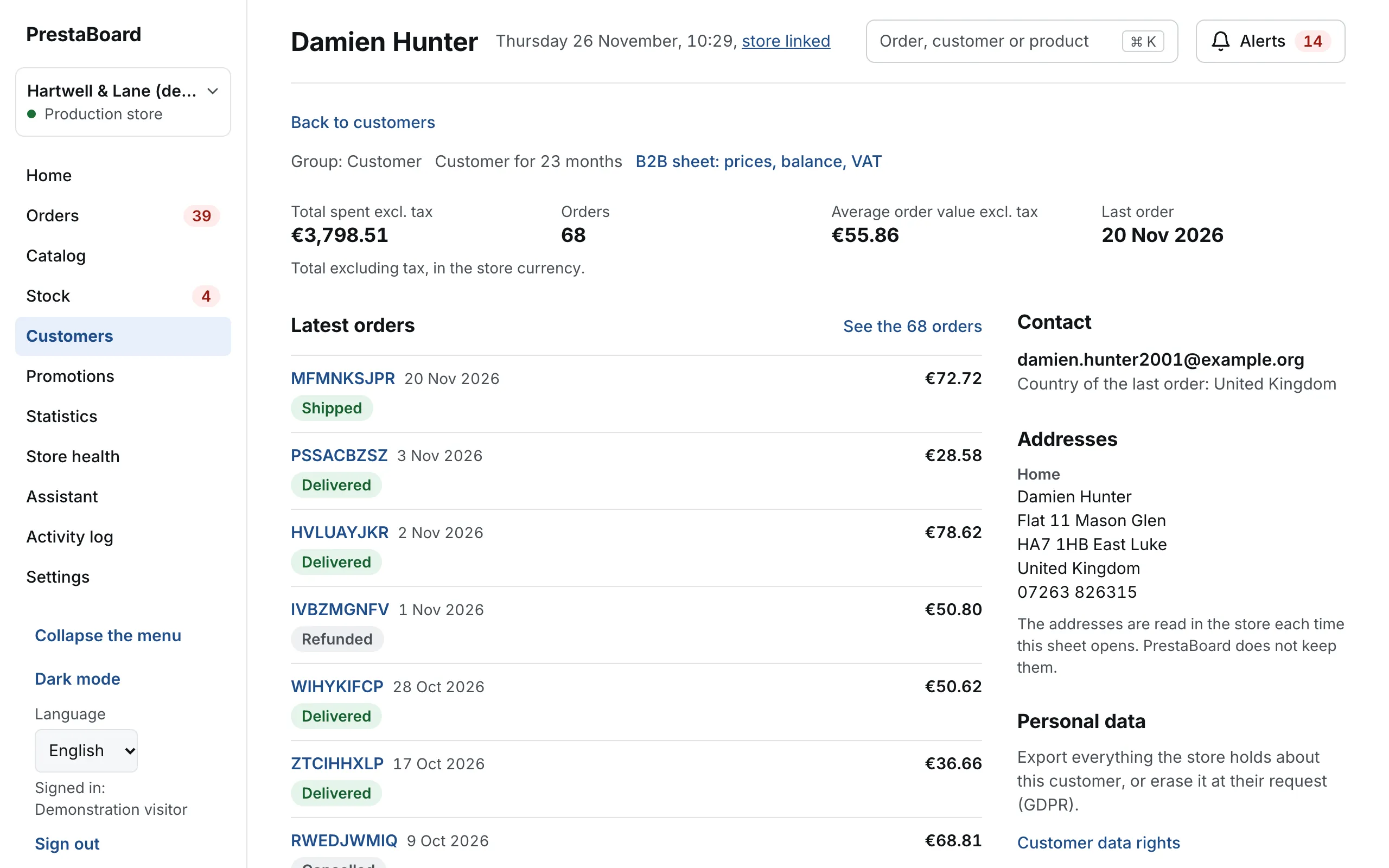
- List with number of orders, total spent and last order.
- Customer page: summary, orders, addresses and phone number read live from your store.
- Change the group, enable or disable an account, add an internal note (encrypted on our side).
Alerts and notifications.
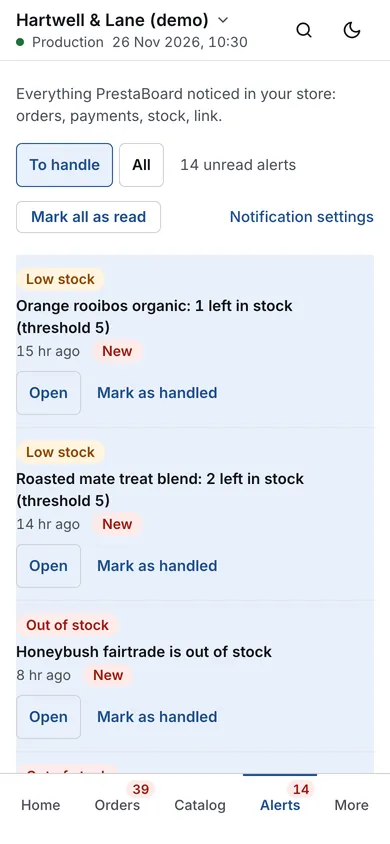
- Alert center: new order (with an optional amount threshold), failed payment, stock-out, low stock, lost connection.
- Notifications on your phone and in your browser, email, and a daily summary with yesterday's figures and what is waiting for you.
- Settings per person and per store, with quiet hours.
Team and multiple stores.
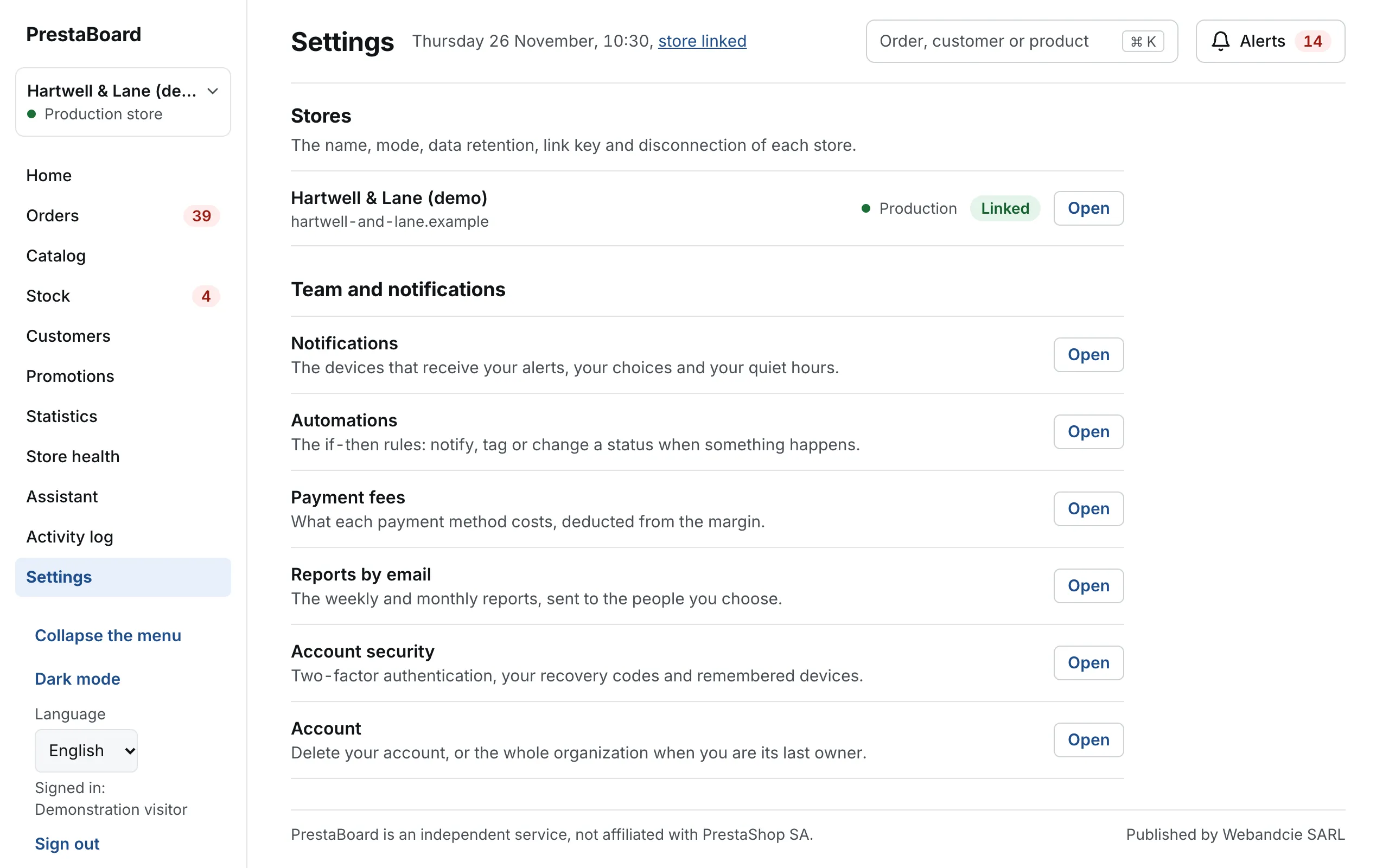
- Invitation by email, three roles: Owner, Manager, Read-only. A read-only account cannot change anything, even by forcing the request.
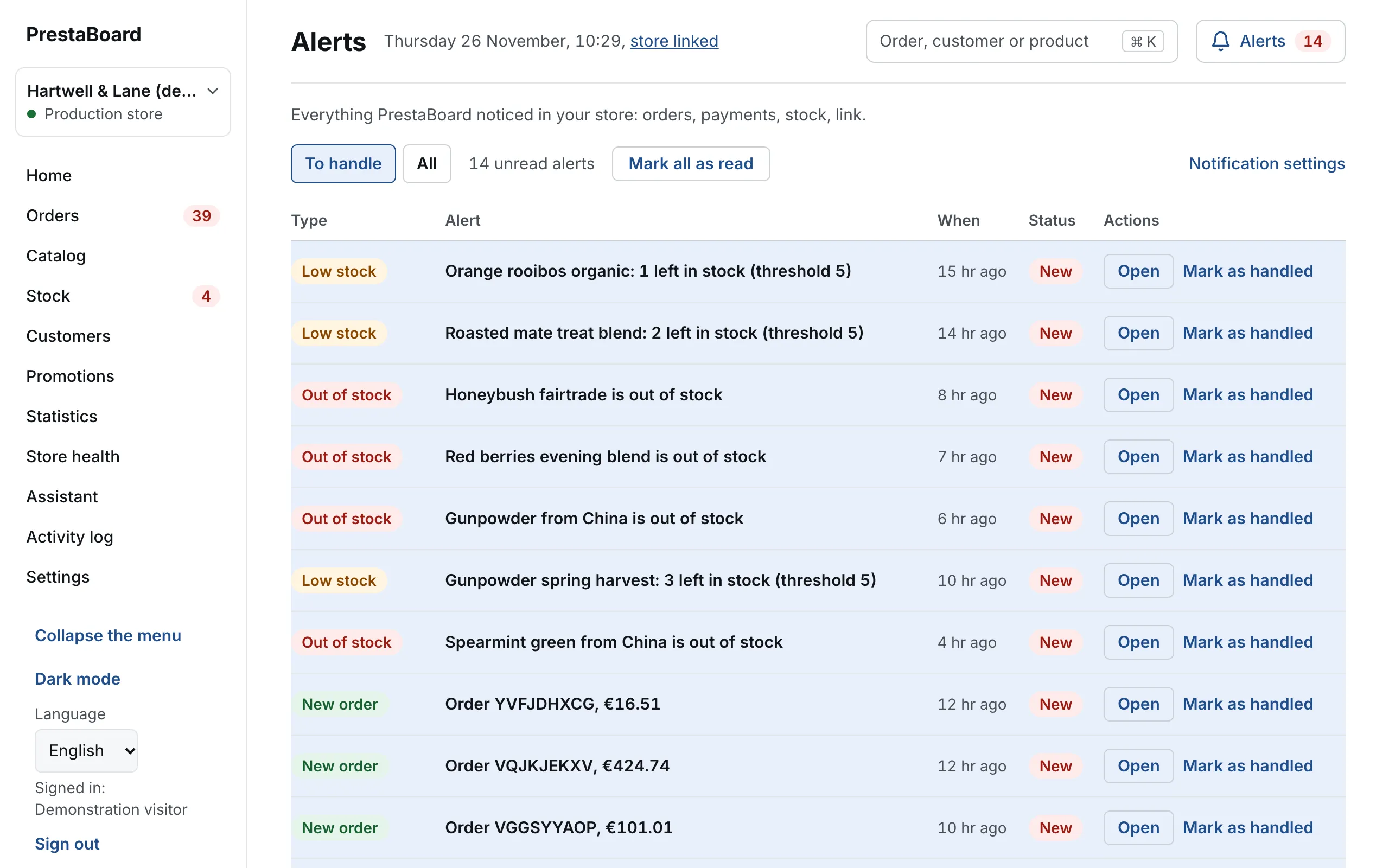
- Several stores in one account, with a store switcher and a “Production” or “Test” badge that is always visible.
- Two-factor authentication, required to connect a store.
Audit log.
Every change made from PrestaBoard: who, when, on what, before and after. Right after a change, an “Undo” button restores the previous value in your store.
Search everywhere.
Ctrl K (⌘ K on a Mac): type an order number, a customer name or a product, and you are there.
PrestaBoard or the back office?
PrestaBoard does not replace your back office. It remains the complete tool for configuring the store: modules, theme, carriers, payments, taxes. PrestaBoard is built for the daily work: seeing what is happening, handling orders, fixing a price or a stock level, from anywhere.
| Day to day | PrestaBoard | PrestaShop back office |
|---|---|---|
| Price | Free, then from €19 excl. VAT per month | Included |
| Configuring the store (modules, theme, payments) | No, that is not its job | Yes |
| What needs action, at the top of the home screen | Yes | No |
| Lists and search | Served from our copy, with no waiting on your store | Query your store on every page |
| On a phone | Screens designed for phones, plus notifications | Desktop pages to pinch and zoom |
| Same interface from 1.6 to 9 | Yes | No, it changes with each version |
| A log of who changed what | Yes, with before and after | No |
| Several stores in one account | Yes | One installation at a time |
Swipe the table to see the last column.
What about other tools?
Mobile admin apps show your orders on a phone, often with no web version and no way to work as a team. Bulk-editing software is built for the catalog, not for today's orders. Analytics tools read without acting. PrestaBoard brings monitoring and action together, on desktop and phone.
That said, it does not yet do bulk editing, file imports or margin analytics. If that is your main need today, a specialist tool will serve you better for now.
Coming next.
Not available yetThese features are in the works. They are not part of what you buy today, and we give no date until they are ready.
- Bulk editing with a before-and-after preview, import of price and stock files (CSV, Excel), undo of a whole batch.
- Full product page: combinations, images, SEO, languages.
- Stock: thresholds, phone-based inventory with barcode scanning.
- Promotions: discounts, discount codes, scheduling.
- Analytics and true margin (purchase price, shipping, payment fees, refunds).
- Store health: versions, modules affected by a published vulnerability, uptime, certificate.
- AI assistant to answer your questions about your store and prepare operations that you confirm.
- For agencies: consolidated view, fine-grained roles, client reports, API.
See it on your store.
Every feature, no credit card. After that, the Free plan is yours to keep, or pick the plan that suits you from €19 per month excl. VAT. Compare plans